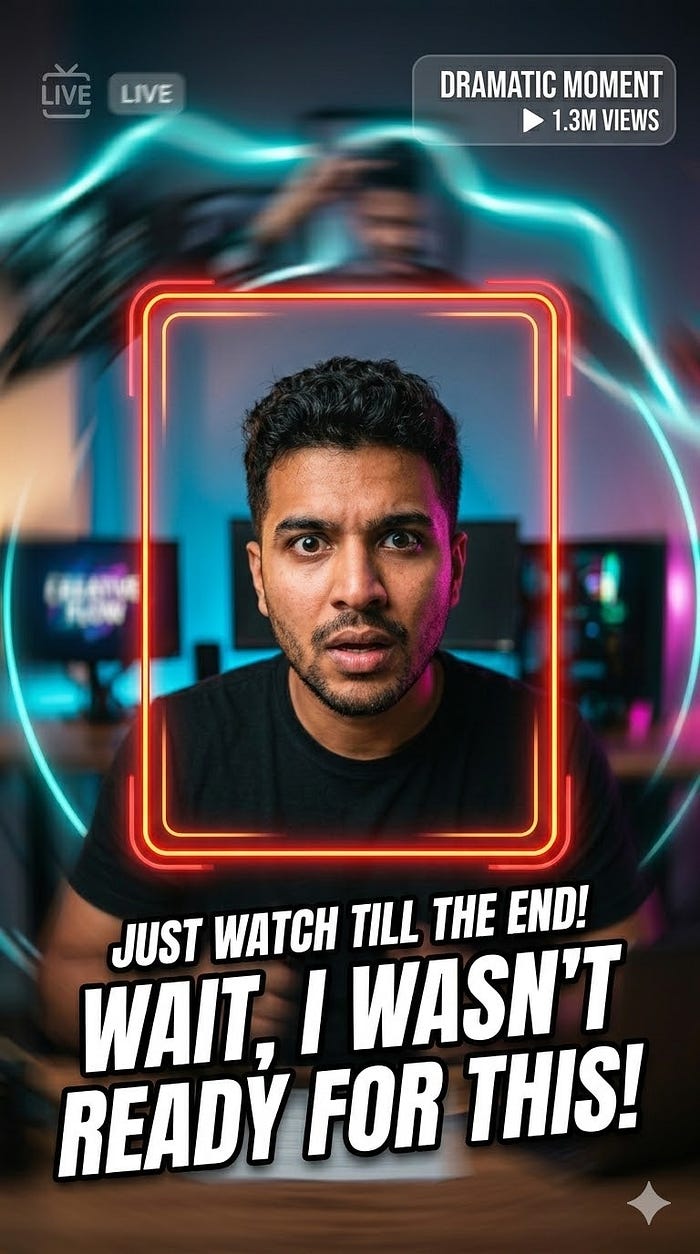
What makes a user stop scrolling? It’s rarely a static image. It’s almost always a “Hook” that happens in the first 1.5 seconds. Our viral-inspired AEP files are designed with this psychology in mind.
Instead of generic fades, these projects utilize high-energy typography and “Micro-Animations” that grab the eye immediately. We deconstruct the latest trends — from the “High-Speed Hyper-Edit” to the “Clean Aesthetic” — and give you the raw project files so you can see exactly how the velocity and timing are manipulated to keep viewers locked in.
2. Master the “Speed Ramp” and Rhythm
One of the hardest things to master in After Effects is the relationship between sound and motion. Viral TikTok trends rely heavily on “Beat-Syncing.”
When you open our professional AEP files, you can look directly at the Graph Editor. You’ll see the custom “Easy Ease” curves and time-remapping keyframes that create that snappy, organic movement. This isn’t something you can learn from a flattened video template. You need to see the “Spatial Interpolation” and the “Influence” percentages to truly understand how to make your edits feel professional and modern.
3. Native Vertical Design (9:16)
Most legacy After Effects templates were built for television or YouTube (16:9), but the money today is in vertical video. Our projects are built “Vertical-First.”
This means we take into account the “Safe Zones” of the TikTok and Reels interface. There is nothing worse than placing a beautiful title only to have it covered by the “Follow” button or the video description. Our project files come with built-in guides, ensuring that every viral element you add stays perfectly visible within the UI of the social media apps.
4. Reverse Engineering the “Meta” Look
A massive trend in 2026 is the “Meta” edit — where the video interacts with the app’s own interface. We include fully editable UI overlays within our AEP files.
Ever wondered how creators make it look like a “Comment Bubble” is floating in 3D space or how they animate the “Like” heart to explode with custom particles? By studying the masks, track mattes, and 3D camera trackers inside our open files, you can recreate these complex interactions in minutes rather than hours. This level of detail is what separates a “casual post” from a “viral production.”
5. Efficiency: From Idea to Upload in Minutes
In the US creative market, being “First to a Trend” is everything. If a new visual style starts trending on Monday, you need to be able to post your version by Monday night.
By using our pre-built Viral AEP Projects, you skip the 10 hours of technical setup. You simply drop in your footage, update the text, and adjust the colors. Because the project is “Open,” you aren’t stuck with a generic look. You can tweak the intensity of a glow, change the direction of a blur, or swap out a texture to make the trend your own while still benefiting from the proven structure of a viral hit.
6. The Educational Edge of Viral Content
Beyond just getting a “ready-to-use” file, you are getting an education in modern aesthetics. You will learn:
- Advanced Color Grading: How to use Lumetri Color and Adjustment Layers to get that “Cinematic TikTok” feel.
- Complex Masking: Techniques for “Seamless Transitions” where one scene flows into another through a person’s shirt or a window.
- Expression Automation: How to use simple code to make your text bounce and react to the movement of the camera.
Conclusion: Stop Guessing, Start Dominating
The algorithm doesn’t care how hard you worked on an edit; it only cares if people watch it. Using After Effects projects that are already “proven” by current trends is the smartest move a modern creator can make.
Don’t let your content stay invisible. Give it the professional, viral edge it deserves by deconstructing the best work in the industry.




ليست هناك تعليقات:
إرسال تعليق